

Custom mammouths Tutorial
Quick link for subscribers : Create a mammouth
What is a custom mammouth ?
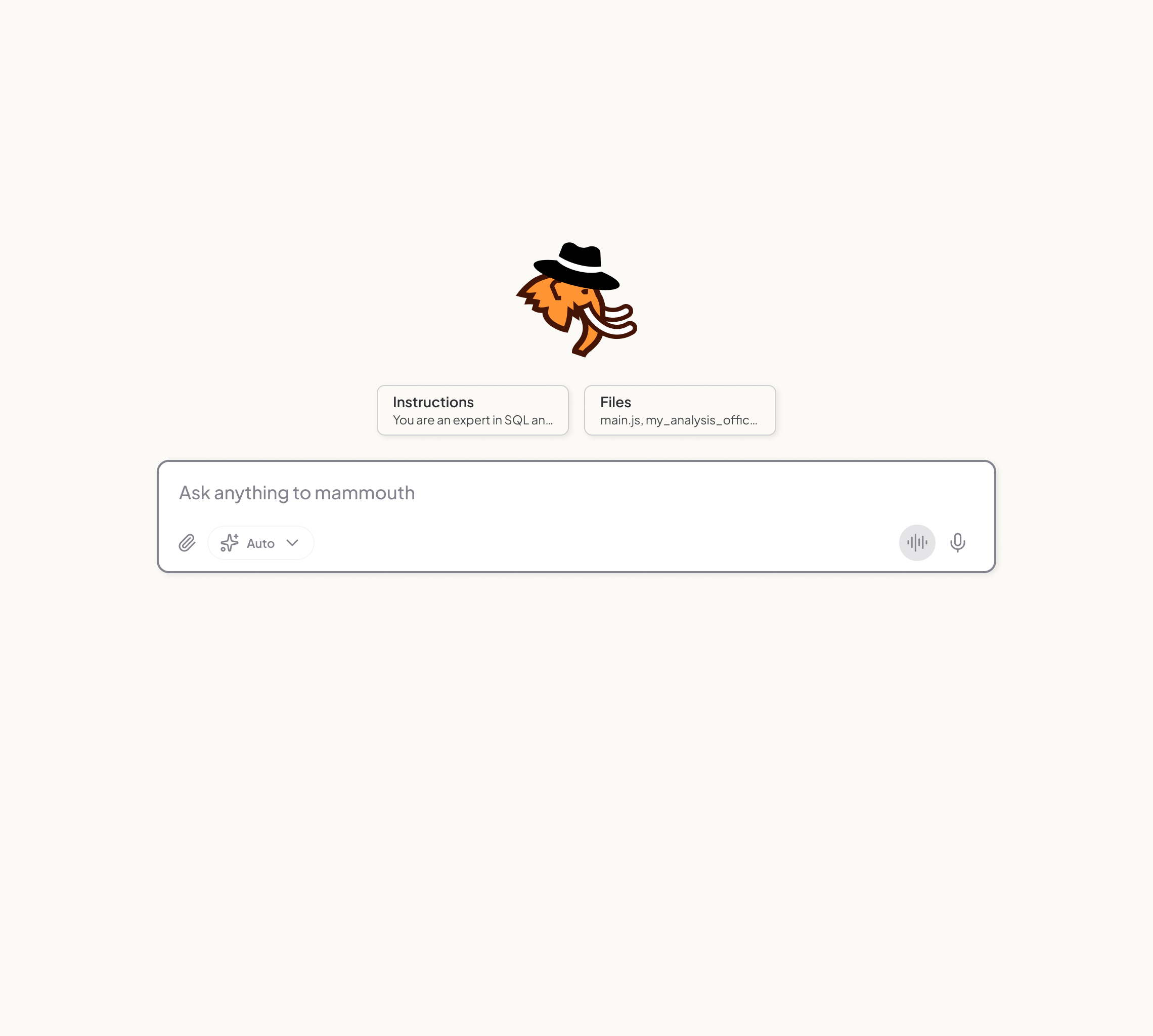
Think of it as a project: each mammouth groups your conversations by theme, with its own instructions, files, and default model.
💡Good to know : engineers call this instruction "system prompt".
What is a good practice to instruct a mammouth ?
✅ DO: Give 3 types of instructions:
- A role
- (optional) A specific knowledge
- (optional) A given methodology
🚫 DON'T: Give a task (e.g. "correct my email").
The task is for the prompt.
Example 1: a role with a given methodology 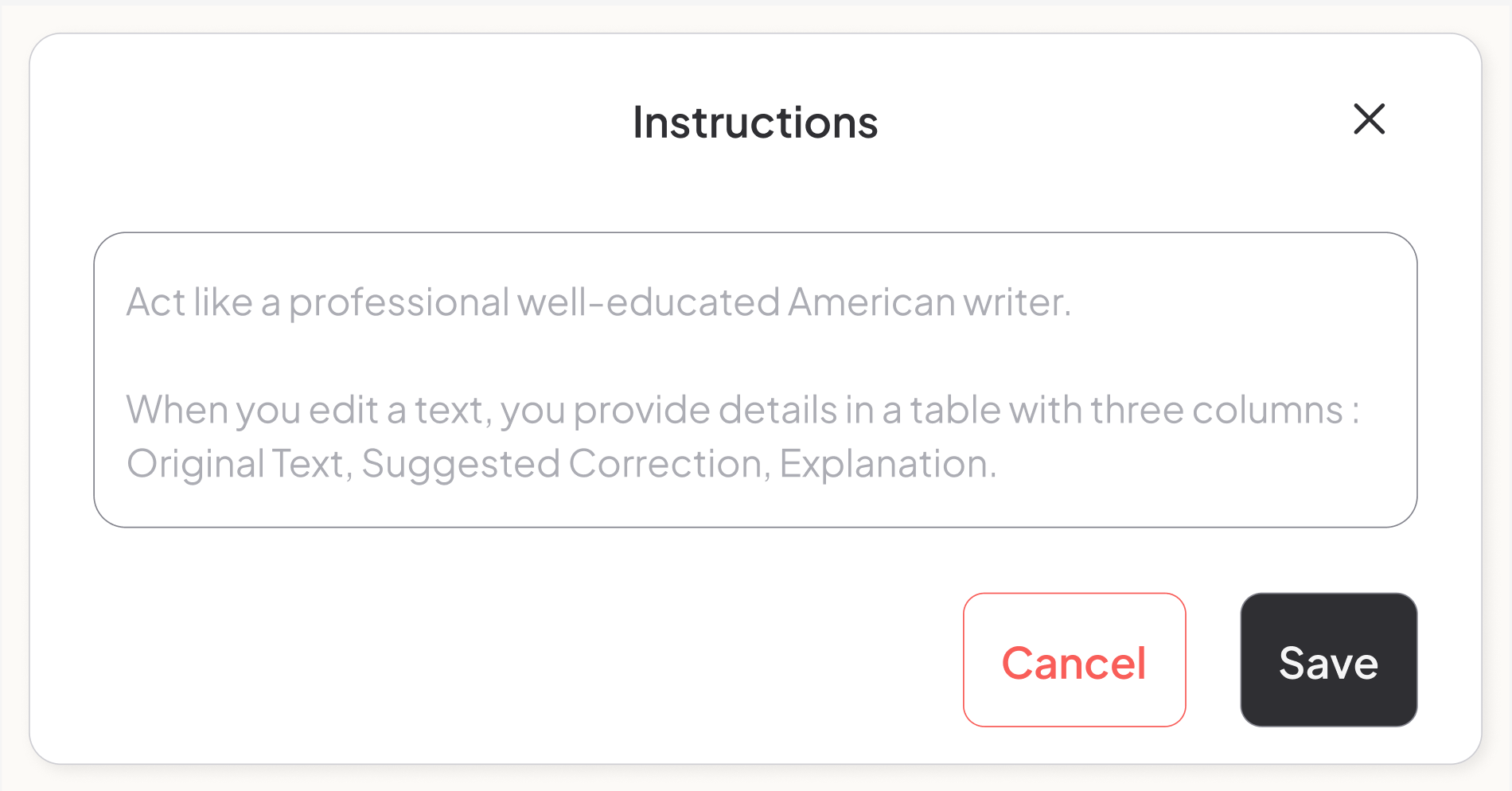
Example 2: a role with a specific knowledge 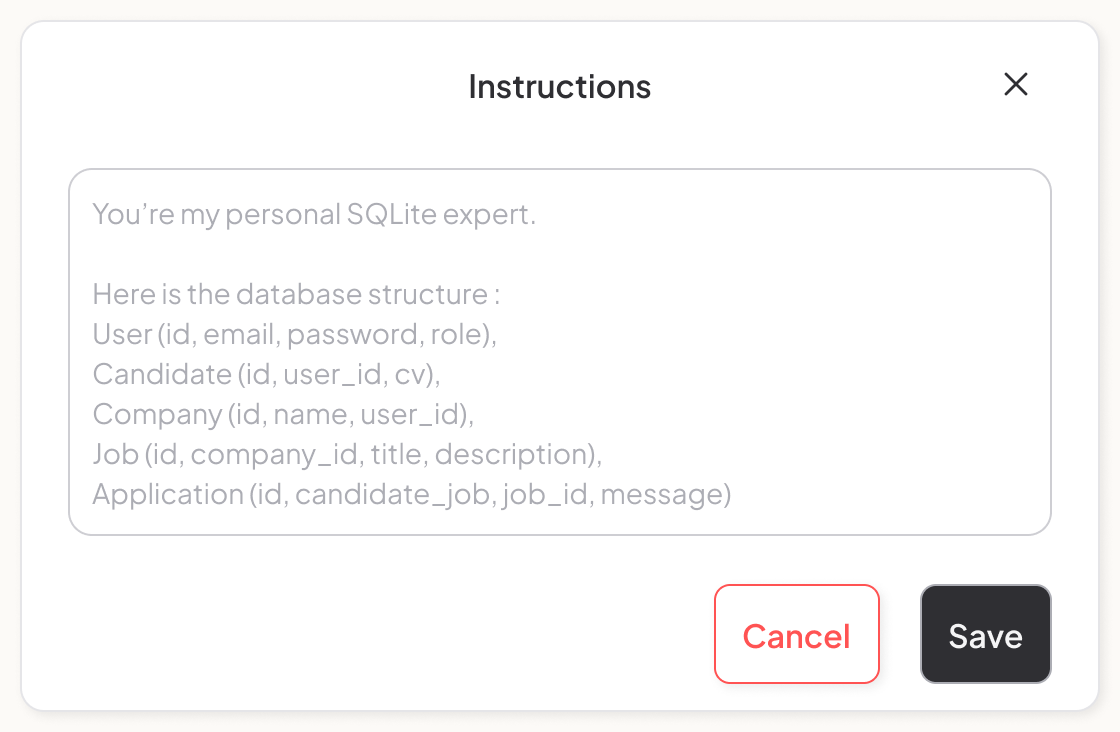
📂 Organize your conversations
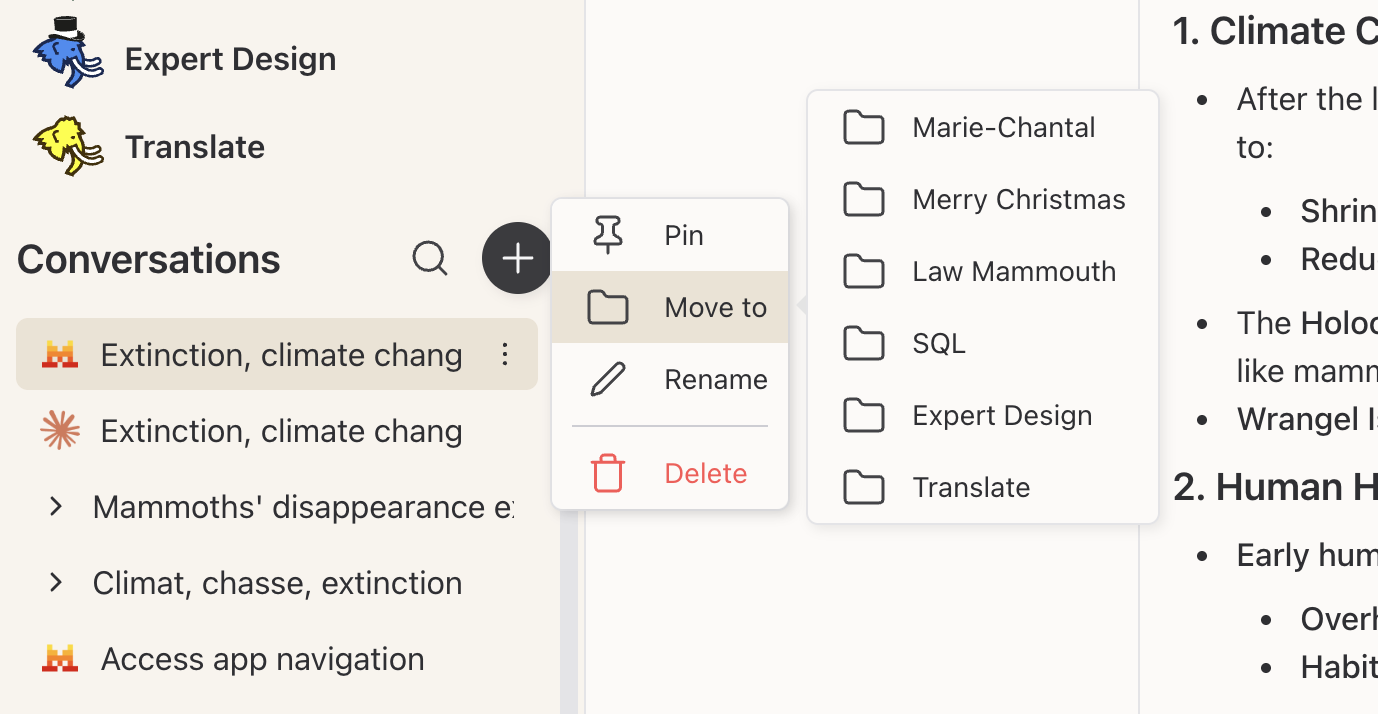
Each mammouth acts as a folder for your chats.
Sort your conversations in projects
Move conversations from a mammouth to another
Non-instructed mammouths behave the same as the default mammouth.
Image models and video models ignore the custom instructions.
🦣 Mammouth tips & tricks
Choose a default model per mammouth
Each mammouth can have its own default model and its own model display order. For example, set a coding mammouth to default to a your favorite coding model, and a writing mammouth to default to your top creative model.
Favorite mammouths
Mark your most-used mammouths as favorites ⭐ so they always appear at the top of the list. The last mammouth you used also automatically moves to the top: smart ordering keeps your workflow smooth.
Customize your mammouth's look
Personalize your mammouth with a wide range of colors and fun accessories to make it truly unique! 🎨
🔍 Search and manage your conversations
Search in your conversation history
Press CTRL+K or click the 🔍 search icon in the sidebar to instantly search through all your past conversations by keyword. This lets you quickly find that one chat you had weeks ago.
💡Good to know : you can also search conversations by model or by mammouth name.
Batch operations on conversations
Need to clean up? You can select multiple conversations at once to delete or move them in bulk. Just select the conversations and choose the action — no more deleting one by one!
Enjoy on Mammouth !
🕵️
A secret access to the feature is hidden on the interface, did you find it ? …